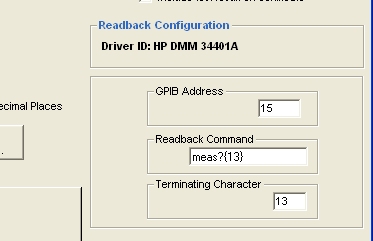
To create a Readback test for a calibration instrument select
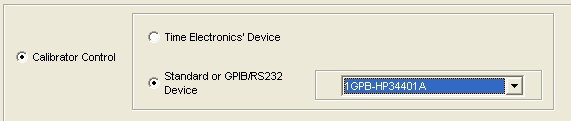
To enter a test that uses Readback from the Calibrating Instrument, add a new test with the calibrating instrument selected:
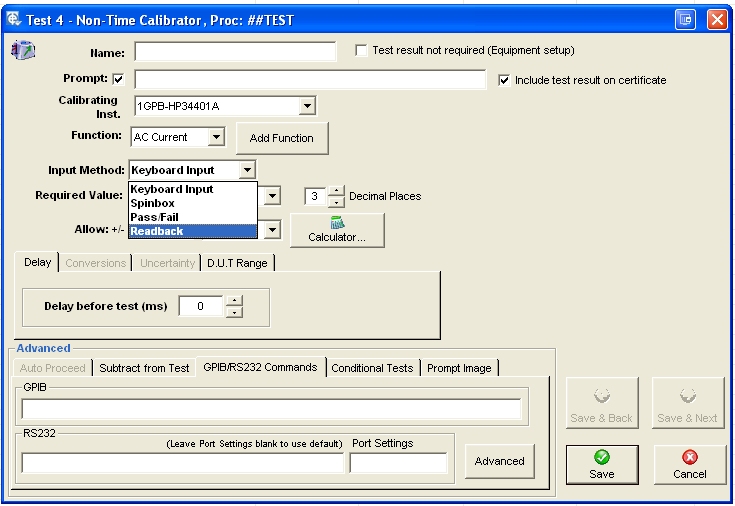
Once in the test details screen, select Readback as the Input method.
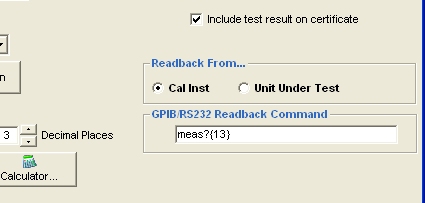
This must contain the command sent to the instrument to make it send a Readback. Remember to include a terminating character if required (The example shows {13} which is carriage return).
To enter a test that uses readback from the Device Under Test, add a new D.U.T Readback test.

The com. port or GPIB address entered as set in the Readback driver will appear here, along with default Readback command and terminator.